 Glowproof
A routine checklist and Product Trials you rate yourself
Glowproof keeps a morning and night checklist built from the steps you add, with reminders you control. A Product Trial logs one product for 14, 28 or 42 days with photos and notes, and ends with your own rating from 1 to 5. The app suggests no products.
Coming soon to iPhone
How does the routine checklist work?
Open the Routine tab and add steps in the order you do them. Each step has a type (Cleanser, Toner, Serum, Treatment, Moisturizer, Sunscreen, Eye or Other), an optional product name, a time of day and the weekdays it applies to. Tap a step to check it off.
The Today screen shows your steps and a plain count, such as 4 of 6 this week. The app states that these are counts and not a score.
Use Reorder to move steps up or down. If you delete a step, your past check-offs stay in the counts, so a change of products does not erase your history.
What is a Product Trial?
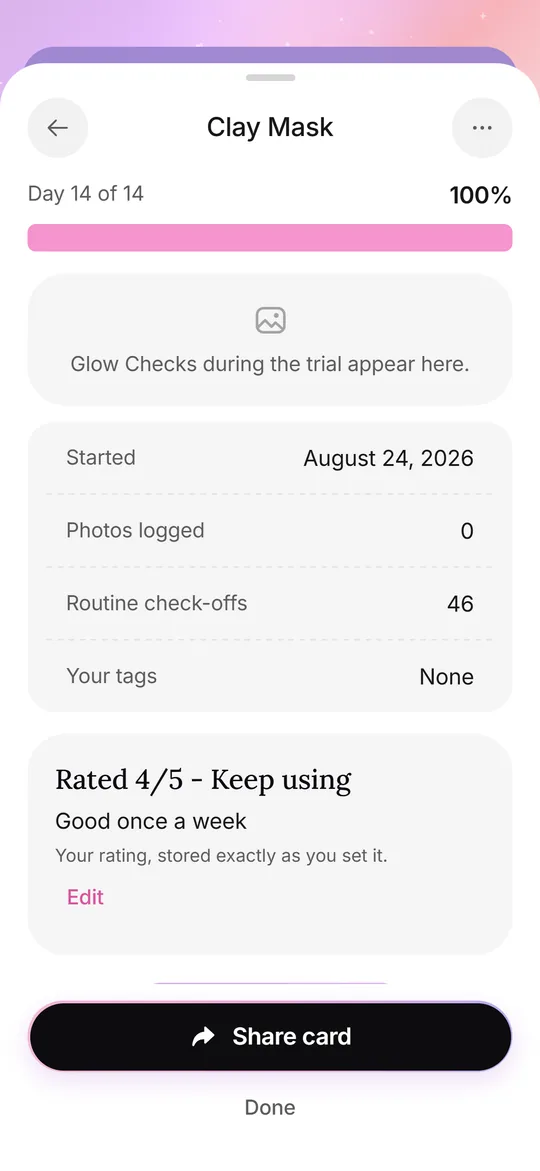
A Product Trial is a diary for one product. You name it, choose 14, 28 or 42 days, and optionally pick the area you want to watch. From then on, your Glow Checks and routine check-offs are collected under that trial, and the Routine tab shows Day 8 of 28 style progress.
While a trial is active, it appears on the Today screen with the product name, the day count and, near the end, a Rate it button. Photos taken during the trial are filed under it, and the trial screen shows its own photos, the number of routine check-offs and the tags you used.
- Open Routine and tap Start a Product Trial.
- Type the product name or pick it from your routine.
- Choose 14, 28 or 42 days and an optional area.
- Take your Glow Checks as usual.
- On the last day, rate the product yourself.
How does the rating work?
At the end, you give the trial 1 to 5 and choose Keep using or Not for me, with an optional note. The rating is stored exactly as you set it. Glowproof does not compute a verdict from your photos.
The app also reminds you in its own screen to change one thing at a time, which makes any comparison easier to read.
How do I run a clean trial?
The app's own tip says to change one thing at a time. That is the whole method. If you start two new products on the same day, the diary cannot tell you which one the notes belong to.
Take the daily photo in the same light, add a note on the day you start, and tag days with travel or poor sleep when they happen. At the end, the rating is a record of your decision, such as 4 out of 5 and keep using, and nothing else.
What is the Shelf?
The Shelf lists your finished trials with your ratings and notes. On the free plan one trial can be active at a time, and the Shelf shows part of the list. Pro removes the limit and keeps the whole Shelf.
Which reminders can I set?
Reminders are optional and scheduled on your iPhone. You can set a morning routine, a night routine, a Glow Check with the morning routine, comparison days (Day 7, Day 28 and every 4 weeks), trial updates and a Sunday weekly summary that contains counts only. The app never sends more than 2 a day.
Each reminder has its own time, and you can switch any of them off in Me, Reminders. When you delete all data, scheduled reminders are removed too.
Can a trial become a Glow Card?
Yes. A Trial card shows the product name you typed, your rating and, if you choose, the start and end photos. See Glow Cards for the privacy options.
Frequently asked questions
Does Glowproof recommend skincare products?
No. The routine and trials contain only what you add. The app suggests nothing.
How long can a Product Trial run?
You choose 14, 28 or 42 days when you start it.
How many Product Trials are free?
One active trial at a time. Pro allows unlimited trials and the full Shelf.
Do reminders need an account?
No. They are scheduled locally on your iPhone after you allow notifications.
Keep exploring
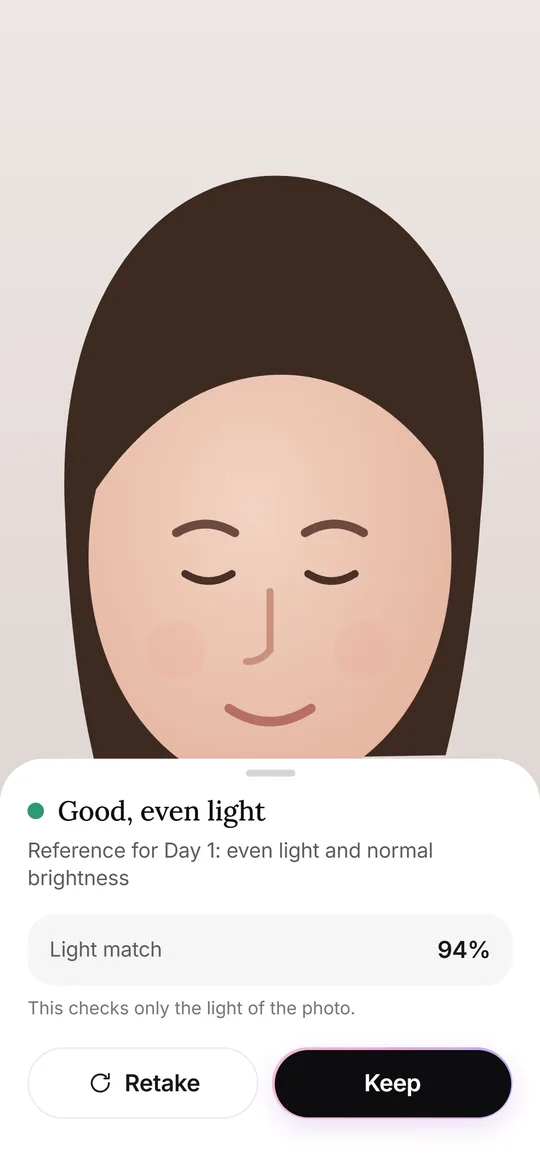 Glow CheckThe daily photo: guide, light check, your feel, tags and notes.
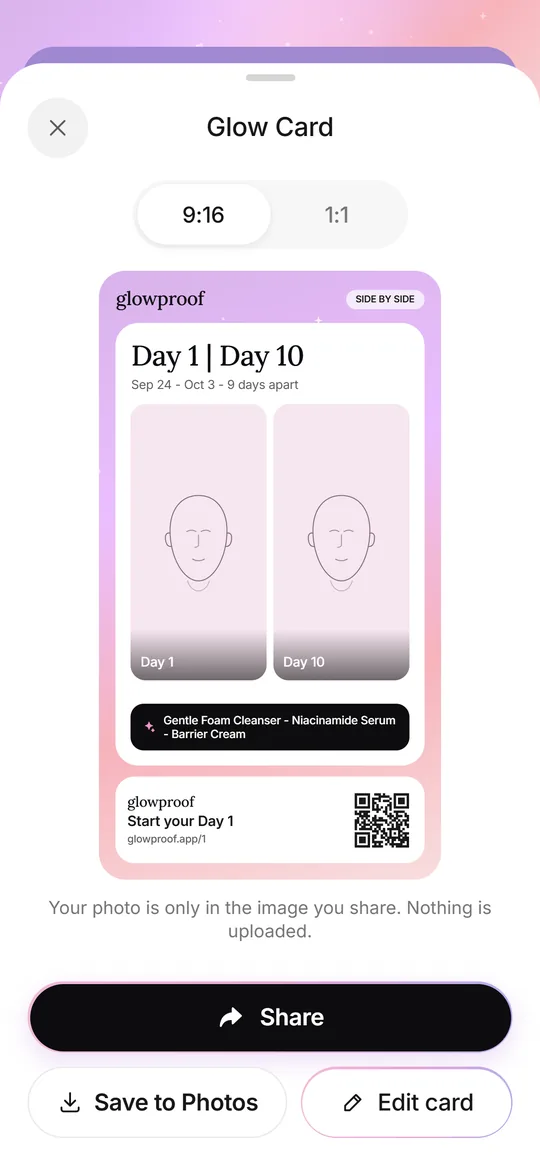 Glow CardsSeven card types, 9:16 or 1:1, with hide, blur or show for the face.Journal ideasA five-line daily entry, a weekly review, a product log and tags you can reuse.Tracker app or journalPaper, notes, camera roll or app: strengths, weak spots and five privacy questions.