 Glowproof
Everything Glowproof does, and what it leaves alone
Glowproof has five working parts: a daily photo with a light check, side by side comparison, a routine with Product Trials, shareable Glow Cards and private on-device storage. Each part helps you compare your own photos fairly. None of them analyzes your face or skin.
Coming soon to iPhone
What can Glowproof do?
The app is built around one habit, a daily photo, and four tools that make the photo useful. The Glow Check takes and checks the photo. Side by side places two days together. Routine and Product Trials record what you did. Glow Cards turn a moment into an image you can share.
What does Glowproof deliberately not do?
It does not detect faces, grade skin, name conditions or recommend products. Notes, tags and ratings appear exactly as you typed them. The only thing the app measures is the light of a photo, which is exposure, not skin.
Where is my data kept?
On your iPhone. There is no account and no server for photos or notes. The private on device page lists what is stored, what can leave the phone and how to export or erase it.
Which features are free?
Daily photos, the light check, routine reminders, Day 7 and Day 28 side by side, Glow Cards and data export are free. Pro extends history, comparison, trials and grids. The home page has the full table.
Who is Glowproof for?
It suits people who photograph their skin for weeks or months and want the photos to hold up when compared. It also suits anyone who tests one product at a time and wants a dated record. It is not for people who want the app to read their skin or recommend products.
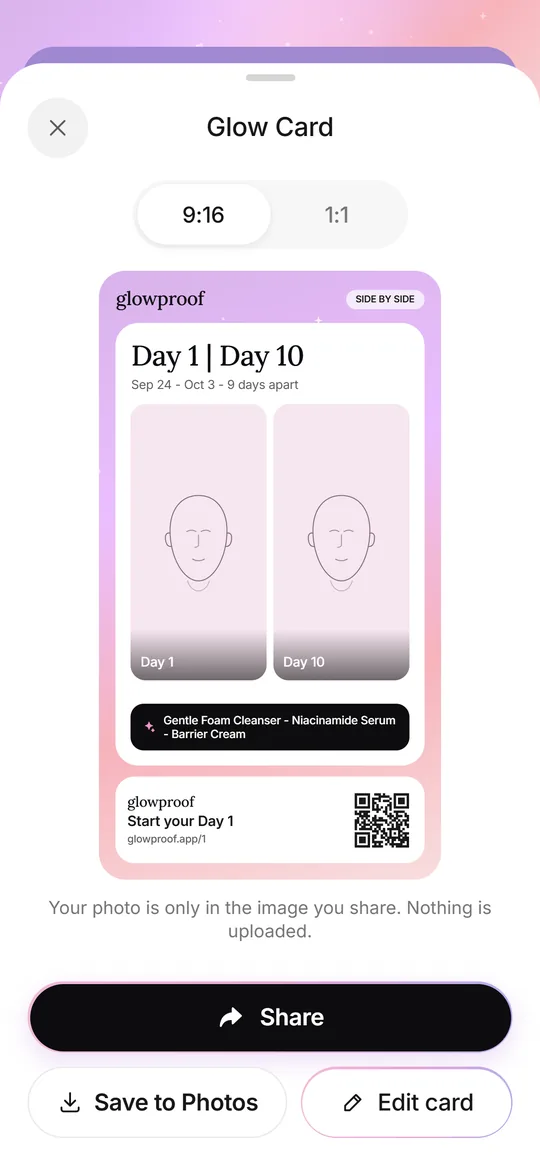 Glow CardsSeven card types, 9:16 or 1:1, with hide, blur or show for the face.
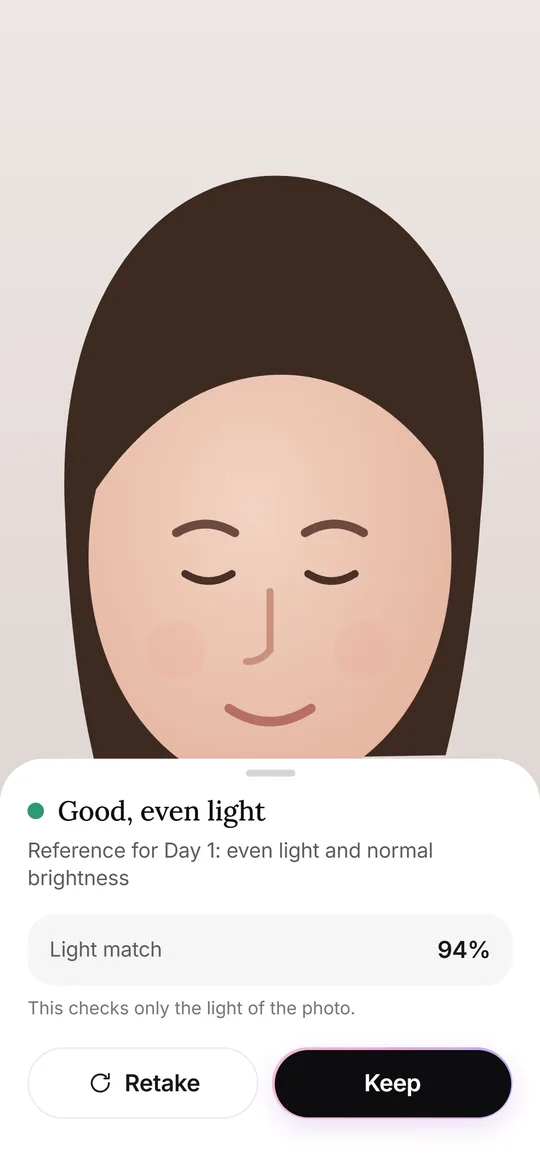 Glow CheckThe daily photo: guide, light check, your feel, tags and notes.
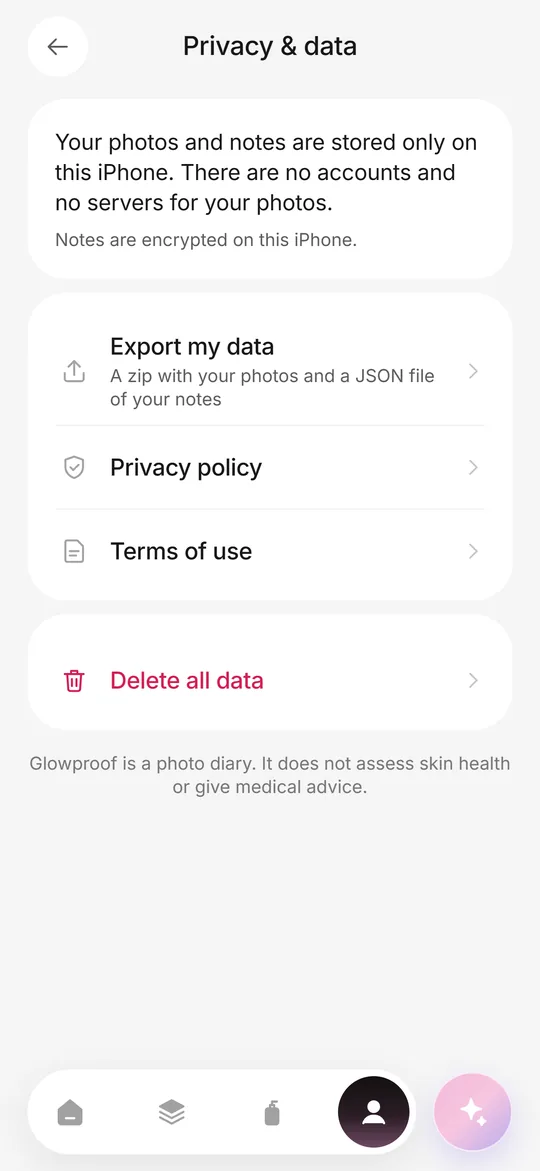 Private on deviceNo account, no photo server, iOS Data Protection, export and delete from the Me tab.Side by sideSlider or split compare, Day 7 and Day 28 moments, and old selfie vs today.
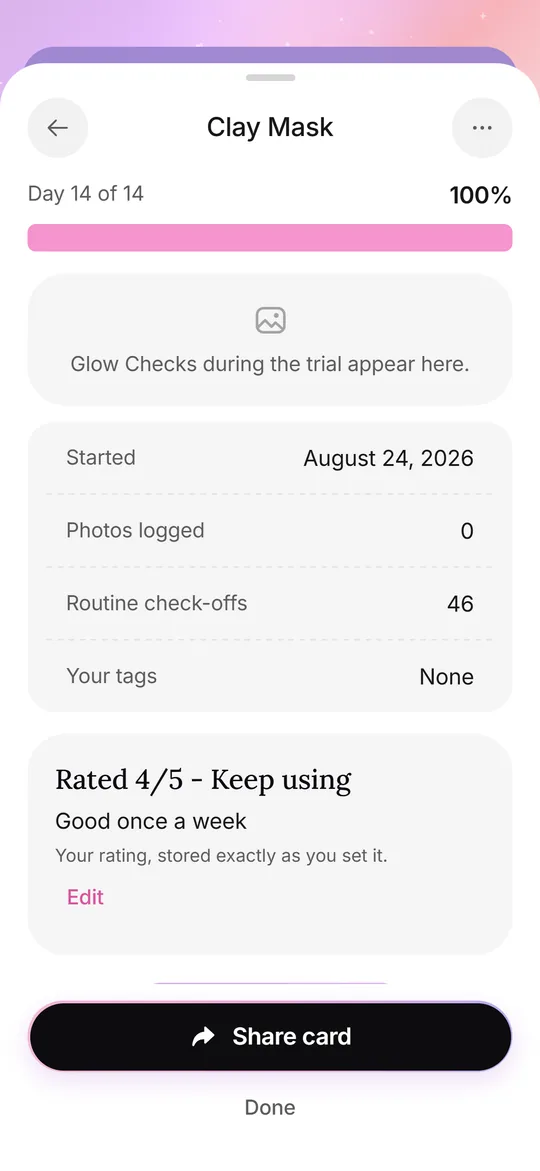 Routine and trialsYour own AM and PM checklist, reminders, and 14, 28 or 42 day Product Trials.
Frequently asked questions
What does Glowproof do?
It guides a daily photo, checks the light against your Day 1 photo, keeps your notes and shows any two photos side by side.
Does Glowproof analyze my face?
No. It reads the brightness and warmth of the photo, never the face or the skin.
Which features are free?
The daily photo, light check, routine, Day 7 and Day 28 side by side, Glow Cards and data export.
Where are my photos stored?
On your iPhone only. There is no account and no server for photos or notes.