 Glowproof
Side by side, with the dates and the light shown
Glowproof places two of your photos next to each other with a slider or split view. It shows both dates, the number of days between them and whether the light differed. It never describes a change in your skin. Looking at the two photos and deciding is up to you.
Coming soon to iPhone
How does the Compare screen work?
Open Compare from the timeline. Two photos sit in one frame. Drag the handle across for a slider, or switch to a split view with both photos beside each other. Each photo carries its date, and the screen states how many days apart they are.
If the two photos were taken in different light, the screen says so. That note keeps you from reading a lamp change as a skin change.
Below the photos, the screen lists your own notes for both days, so you can read what you wrote next to the pictures. If you have only one photo so far, it asks you to take one more Glow Check first.
Which two photos can I compare?
On the free plan, Compare shows Day 1 next to your latest photo. Pro lets you choose any two dates and zoom both photos to the same area: forehead, nose, cheeks or chin. The zoom applies to both photos at once, so the crop stays matched.
| Free | Pro | |
|---|---|---|
| Day 1 vs latest | Yes | Yes |
| Any two dates | No | Yes |
| Zoom both to one area | No | Yes |
| Slider and split views | Yes | Yes |
What are the Day 7 and Day 28 screens?
At Day 7, Day 14 and Day 28, and then every 28 days, the app offers a side by side of Day 1 and the day you reached. On Day 7 it asks one question, Do you see a difference, with the answers Yes, Not yet and Hard to tell. The answer is stored as you tapped it, and nothing is calculated.
Day 7 and Day 28 side by sides are free. They are meant to be the moments where the diary pays off.
On the Day 7 screen you can also choose which photo stands for Day 7 from the ones taken that week, which is useful when one day had better light than another.
How does old selfie vs today work?
Pick an older selfie from your library. Glowproof reads the date from the photo, or asks for month and year if the photo has none. Then you line it up over the oval with two fingers, zoom and rotate, and the result opens as a slider titled with the gap in days.
One old selfie comparison is free. The photo stays on your iPhone and is only placed next to today. The older photo was probably taken in different light, and the result screen says that too.
- Open Timeline and tap Old selfie vs today.
- Choose a photo and confirm its date.
- Line up eyes and chin with the outline.
- Tap Compare and drag the slider.
What does the timeline show?
The timeline groups your photos by month. A small dot marks photos taken in different light. From there you can open a day to see its feel, tags and notes, build a time-lapse grid or start a compare.
How should I read a comparison?
Start with the dates and the light line, then look at both photos at the same zoom. A pair taken in matching light is a fair pair. A pair with a light flag is still a memory of those days, only a weaker basis for conclusions.
Then write one sentence in your own words. Glowproof stores your answer and your notes, and it never adds its own reading. For anything on your skin that concerns you, the right person to ask is a qualified health professional.
Can I share a comparison?
Yes, as a Glow Card. The card can hide the face, blur the eyes band or show the photo, and the first share defaults to hiding the face.
The Share button sits on the Compare screen itself and opens the card editor with the same privacy options as every other card.
Frequently asked questions
Does Glowproof tell me if my skin improved?
No. It shows two photos with dates, days apart and a light note. You decide what you see.
Can I compare photos from different light?
Yes. The screen marks that the light differed so you can weigh it yourself.
Is the old selfie uploaded when I compare?
No. It is read from your library by the system photo picker and stays on your iPhone.
How many old selfie comparisons are free?
One. Pro adds unlimited comparisons.
Keep exploring
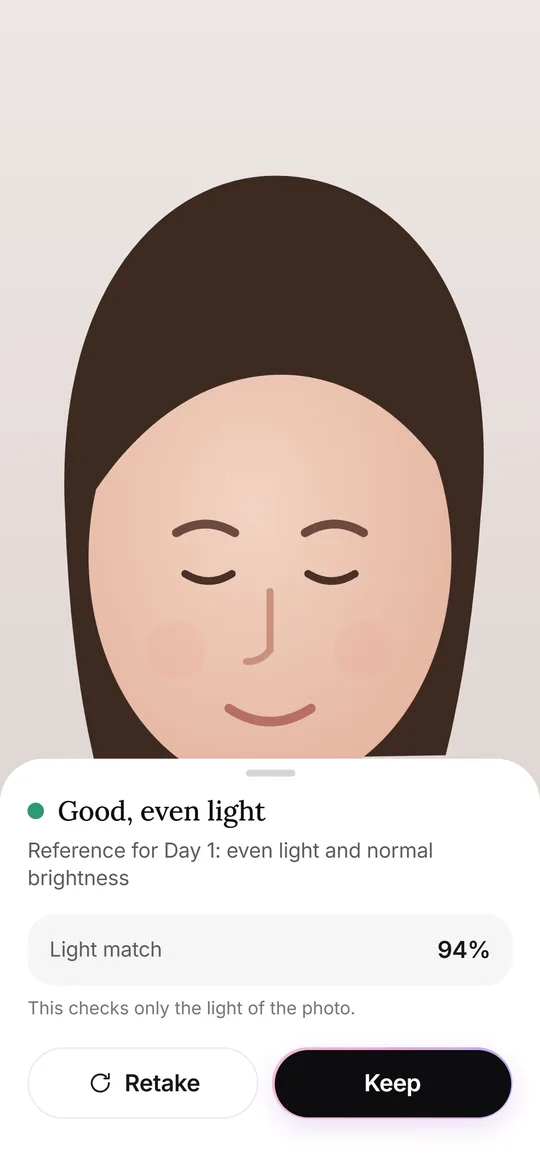 Glow CheckThe daily photo: guide, light check, your feel, tags and notes.
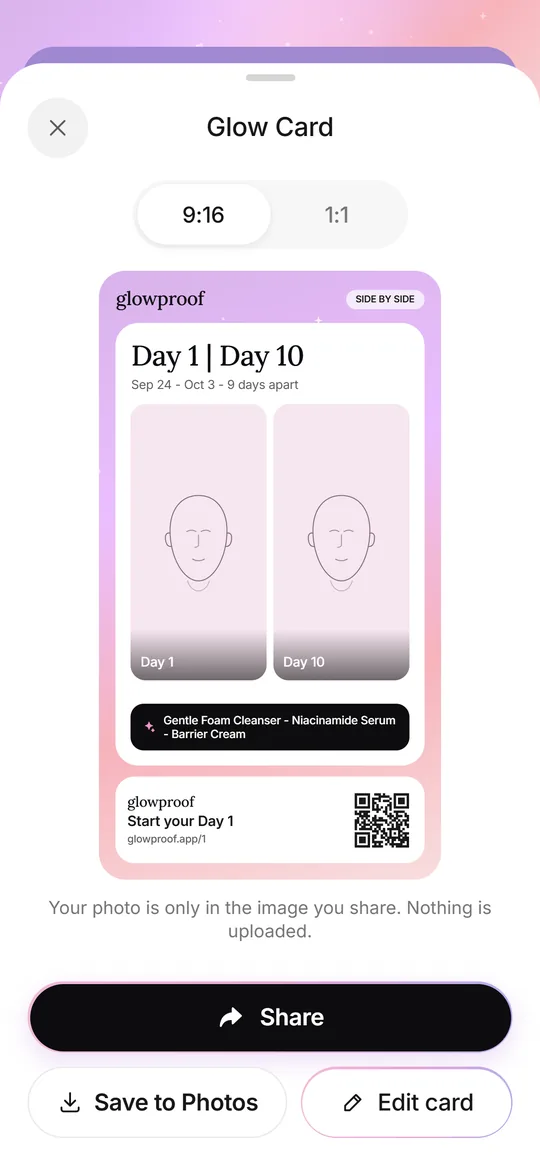 Glow CardsSeven card types, 9:16 or 1:1, with hide, blur or show for the face.How often to shootDaily, every few days or weekly: how to choose a rhythm and when to compare.
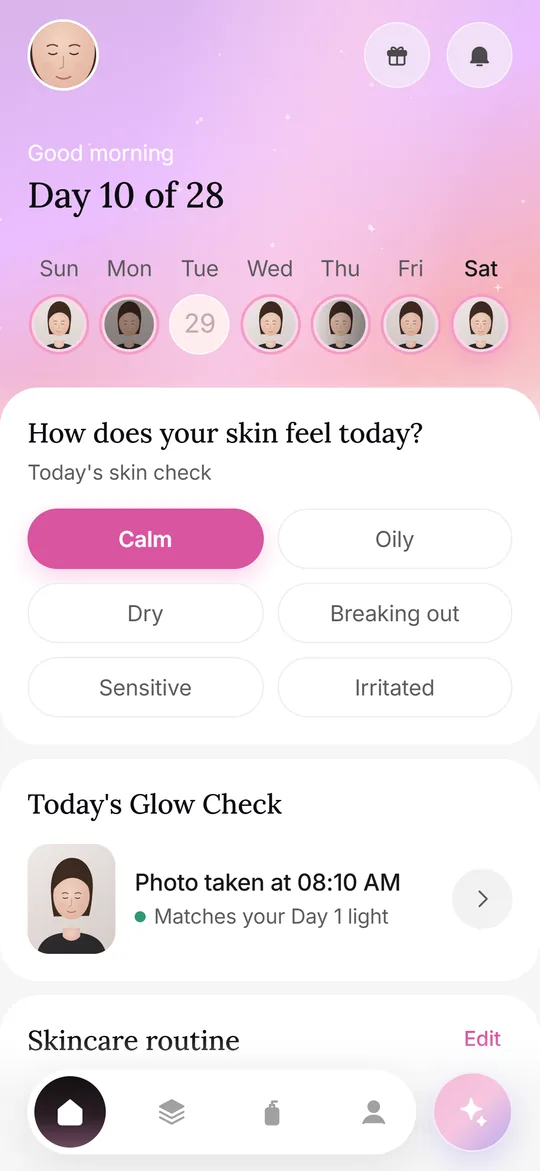 Photos at homeA repeatable home setup: spot, light, distance, angle, timing and a Day 1 reference.